
Outfit Switch AI Video Effect
Snap your fingers: casual, sporty, formal. Upload one photo and WakeStill turns it into a 12-second vertical video with sound.
One video costs 10 credits ($9.90 on its own) and takes about 3–6 minutes.
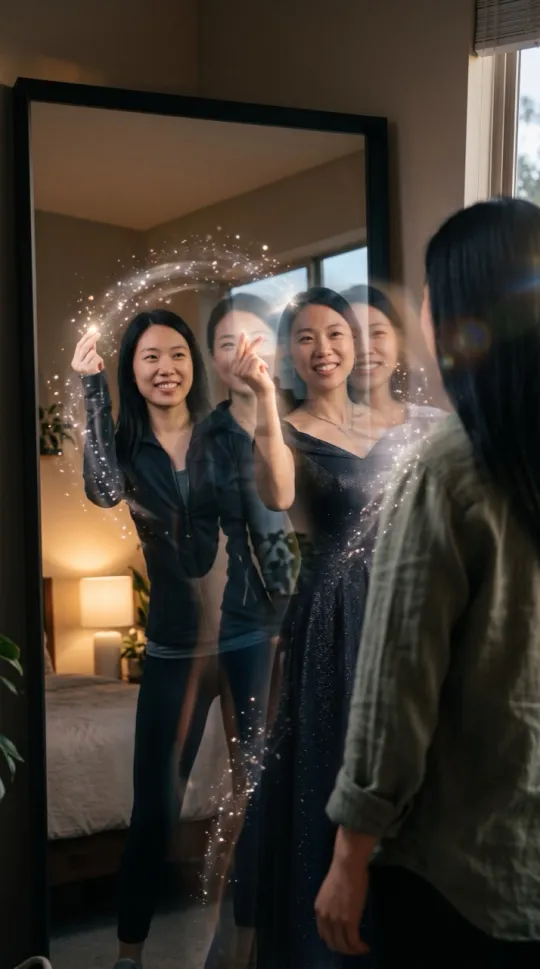
What happens in the Outfit Switch video
You stand in front of a mirror and snap your fingers; with each snap your outfit changes: casual, sporty, formal evening wear, then back to the original. All outfits are plain with no logos.
Outfit Switch at a glance
| Detail | Value |
|---|---|
| Who can be in it | One adult, or two adults (one photo each or one photo of both). |
| Photo options | One person, one photo · Two people, one photo each · Two people in one photo |
| Length | 12 seconds |
| Format | 720×1280 vertical MP4 (9:16) |
| Sound | Snappy beat with a click on each snap; no speech, no singing |
| Price | 10 credits = one video ($9.90 on its own) |
| Render time | About 3–6 minutes |
| Video model | Seedance 2.0 Fast (ByteDance) via KIE.ai |
| Category | Transformation |
How to make an Outfit Switch video
- Upload your photo (add a second person if you like).
- Confirm that you have the right to use the photo.
- Press Create. The video uses 10 credits and is ready in about 3–6 minutes.
- Download the MP4 or share it from your library.
Best photos for Outfit Switch
- Use a clear, front-facing photo with good light and the whole face visible.
- Add a second photo if you want a friend in the video too.
- Adults only (18+). Use your own photos or get permission from everyone in them. No celebrities.
- The outfit changes on purpose in this effect; the prompt asks the model to keep the face, so check it in the result.
The exact Outfit Switch prompt
Every Outfit Switch video is made with one of these fixed prompts, picked by the photos you upload. Visitors cannot change them; your photos are the only input. With one photo of both people, the two-photo prompt is used with its subject lines rewritten: the person on the left is the first person and the person on the right is the second.
Vertical 9:16 cinematic video, no dialogue. The person from the reference image is the only subject. They stand in front of a mirror and snap their fingers; with each snap their outfit changes: casual, sporty, formal evening wear, then back to the original. All outfits are plain with no logos. Nothing sexual, no weapons, no blood, no gore. Audio: snappy beat with a click on each snap, no speech and no singing. All clothing is plain and unbranded: no logos, no brand marks, no lettering, no symbols and no text anywhere in the frame. Only this one person is the subject; no children. The person is an adult. Keep the face and hairstyle identical to the reference image.
Vertical 9:16 cinematic video, no dialogue. The person from the first reference image and the person from the second reference image stand in front of a mirror and snap their fingers; with each snap their outfit changes: casual, sporty, formal evening wear, then back to the original. All outfits are plain with no logos. Nothing sexual, no weapons, no blood, no gore. Audio: snappy beat with a click on each snap, no speech and no singing. All clothing is plain and unbranded: no logos, no brand marks, no lettering, no symbols and no text anywhere in the frame. Only these two people appear as subjects; no children. Both are adults. Keep both faces and hairstyles identical to the reference images.
Outfit Switch FAQ
What does the Outfit Switch effect do?
Snap your fingers: casual, sporty, formal. The video is 12 seconds long, vertical, with snappy beat with a click on each snap; no speech, no singing.
How much does an Outfit Switch video cost?
Every effect uses 10 credits per video. One video costs $9.90; packs of two and three videos cost less per video. Credits do not expire.
Can two people be in the video?
Yes. Upload one photo of each person, or one photo showing both of you. Both must be adults.
Similar AI video effects
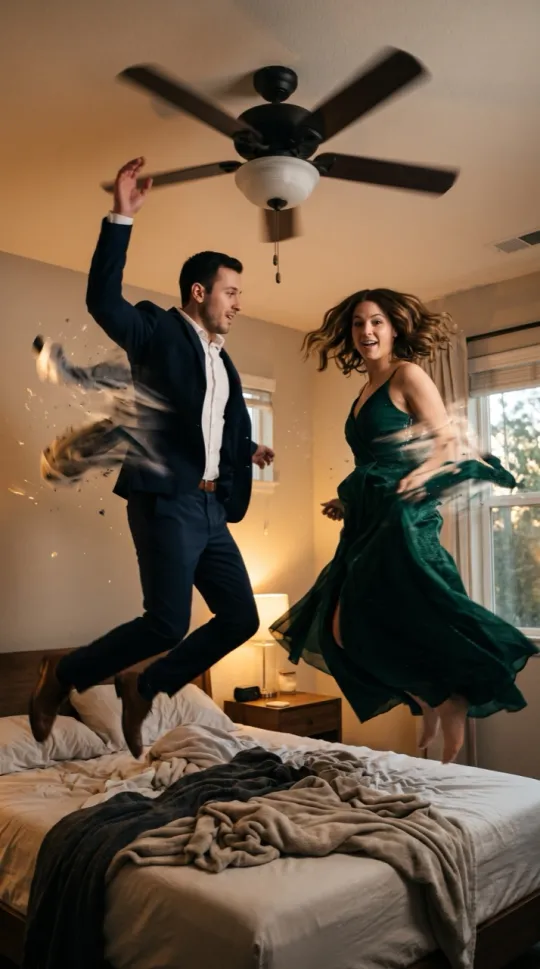 Ceiling Fan Outfit ChangeJump at the ceiling fan, land in evening wear.
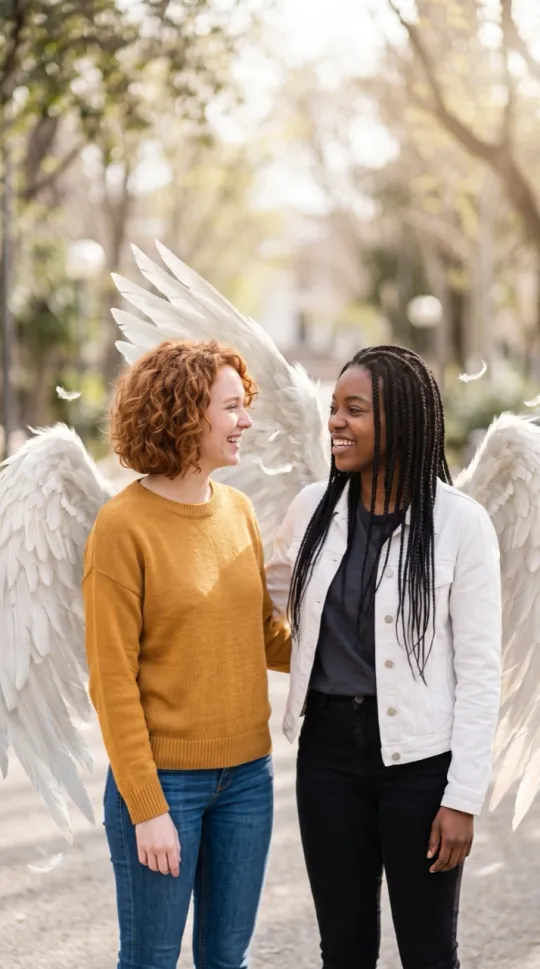 Angel WingsWhite wings unfold from your back in morning light.
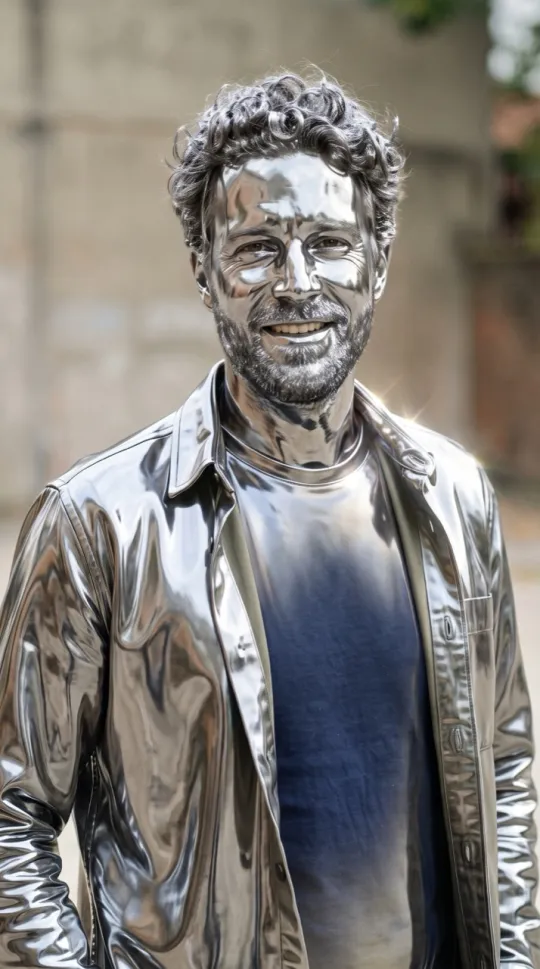 Turning MetalYou turn to shining chrome, then blink and smile.
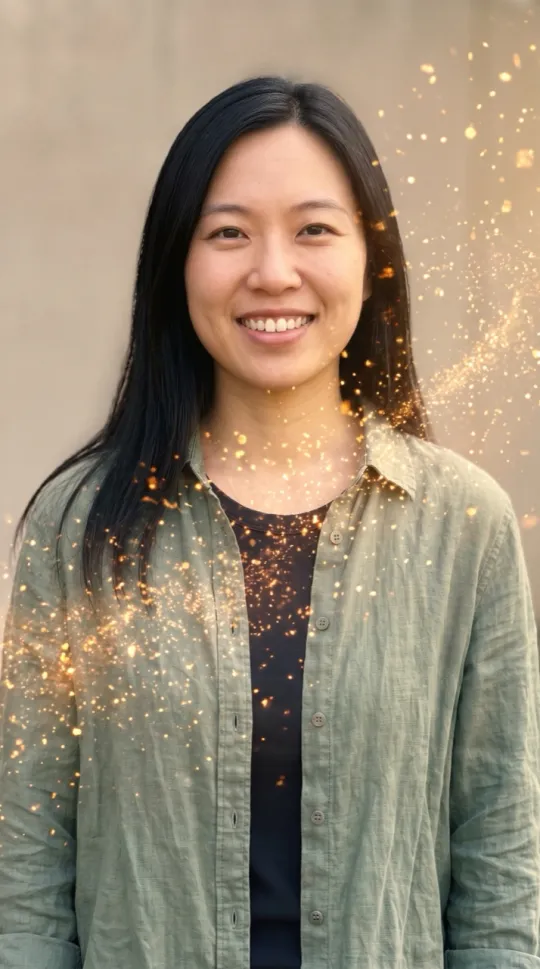 Golden DissolveYou dissolve into drifting golden sparkles. Calm, not scary.
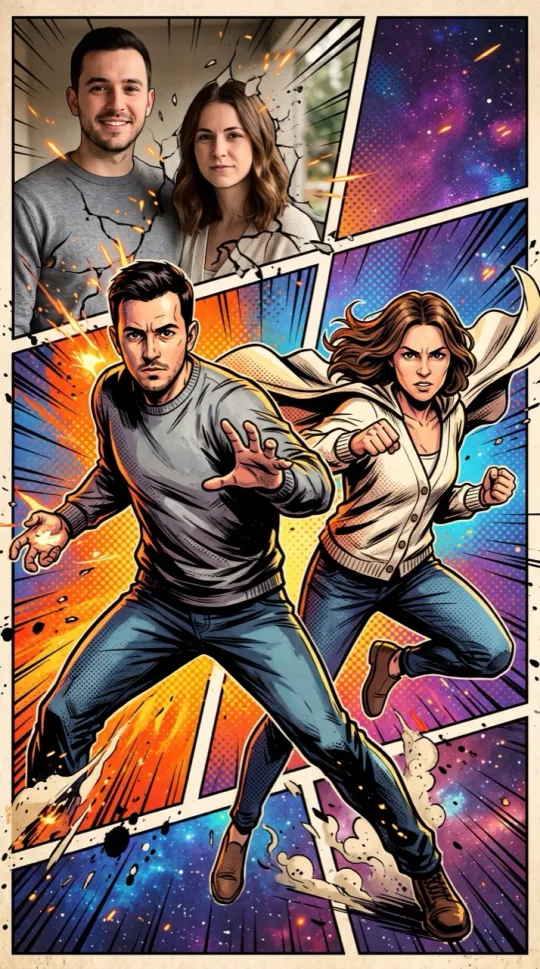 Comic BookBold comic-book art, heroic poses, no speech bubbles.
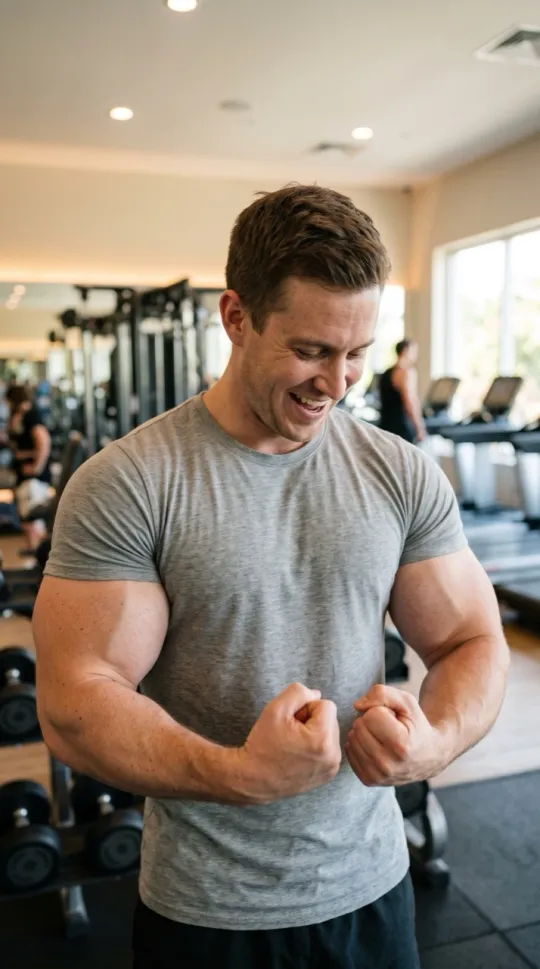 Muscle FilterPop: suddenly huge cartoon muscles. Flex and laugh.
Video model and sources
Videos are rendered with Seedance 2.0 Fast (ByteDance) through KIE.ai.