


Browse AI video effects by category
Couples AI Video Effects
See all 4 Couples effects →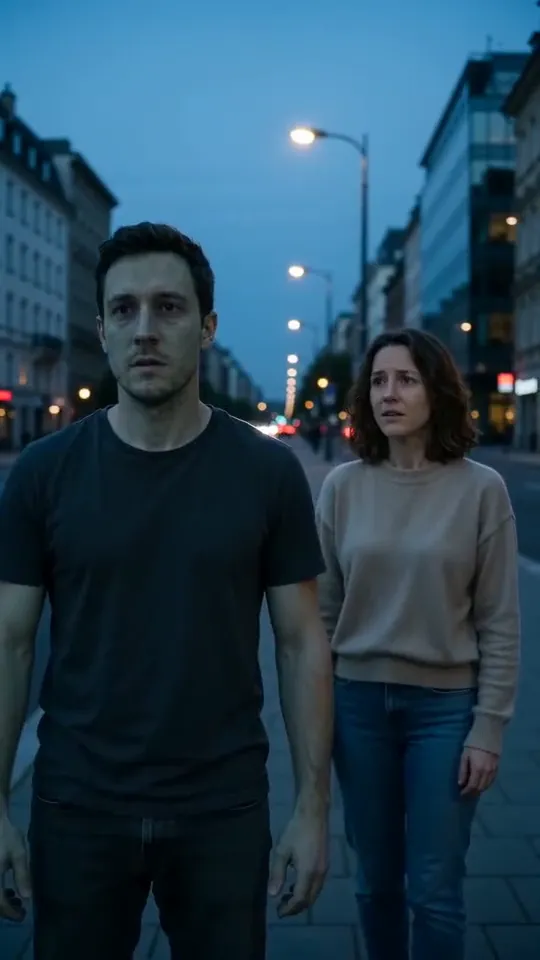 ▶ VideoZombie Love StoryA pale, gentle movie zombie meets open arms and a warm flashback. No blood, no weapons.
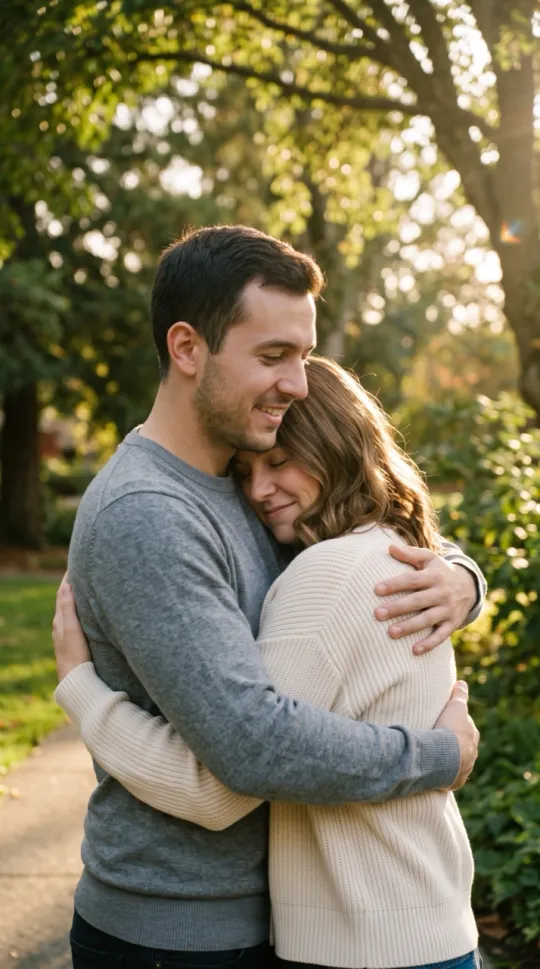 AI HugTwo of you in a sunlit park: a smile, then one long, warm hug.
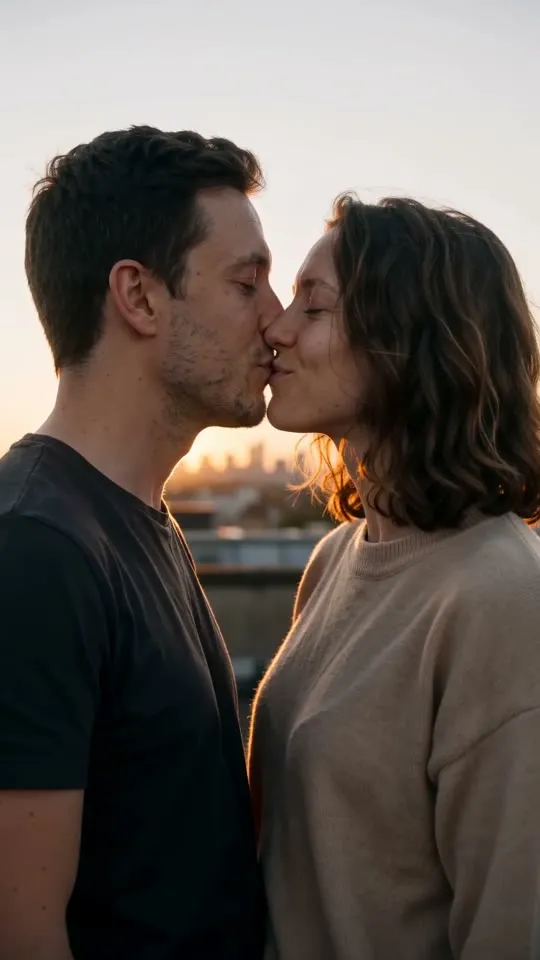 ▶ VideoAI KissOne gentle kiss on a quiet rooftop at golden hour, then forehead to forehead. Tasteful and fully clothed.
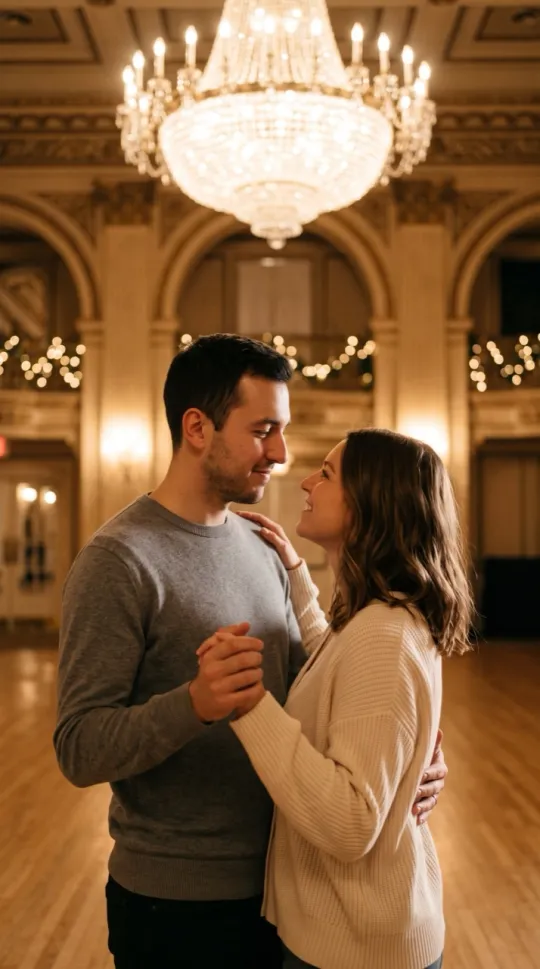 Slow DanceA slow dance in a chandelier-lit ballroom.
Dance AI Video Effects
See all 8 Dance effects →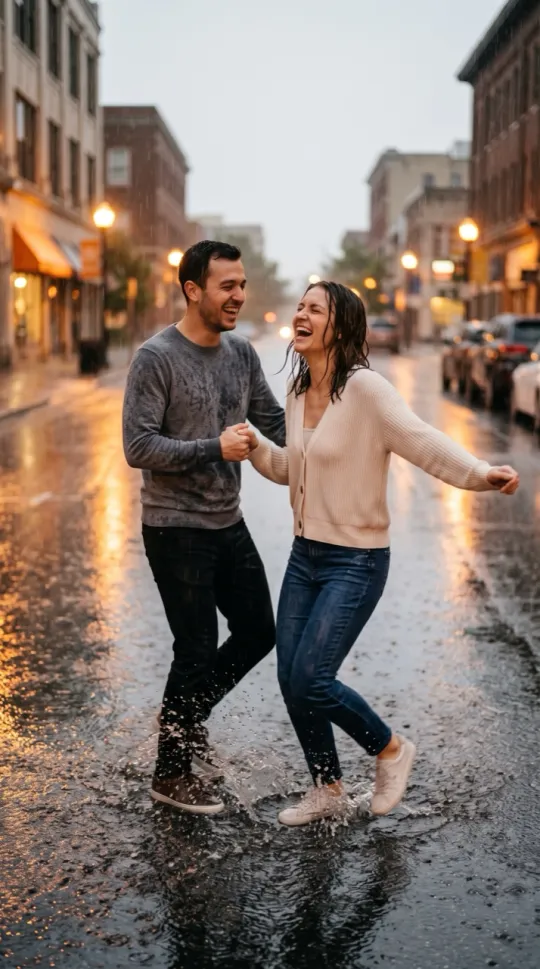 Rain DanceDancing in warm summer rain, splashing in puddles.
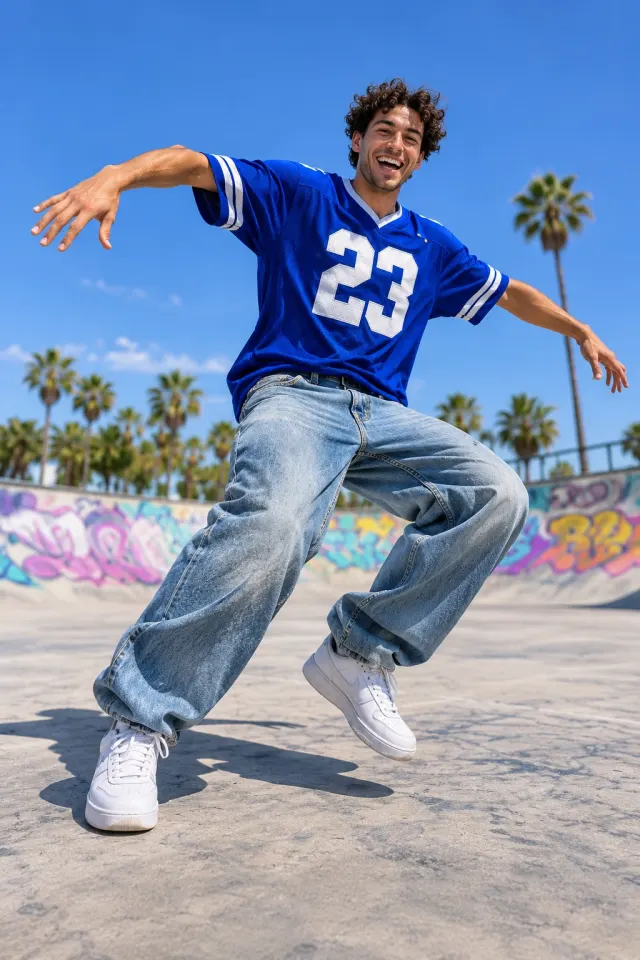
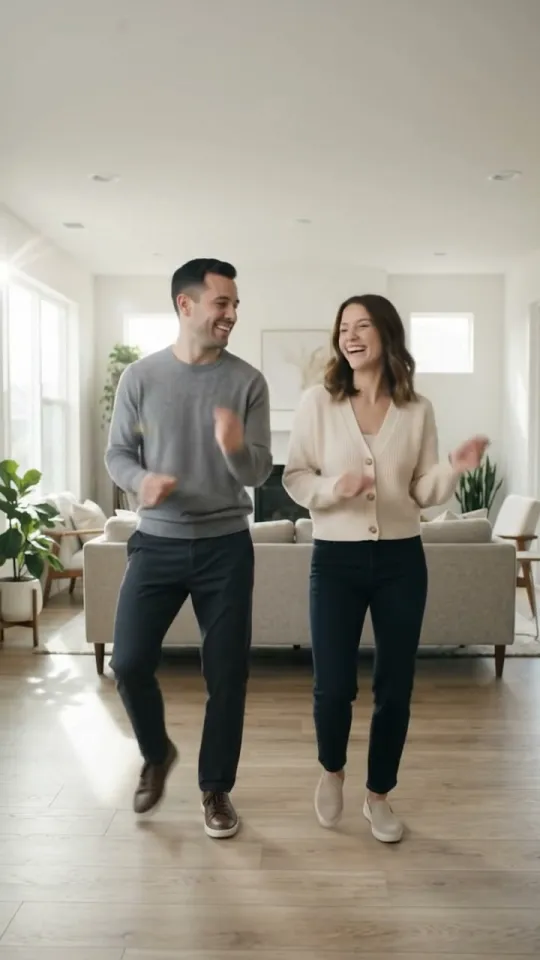 ▶ VideoAI DanceAn upbeat dance routine in a bright living room.
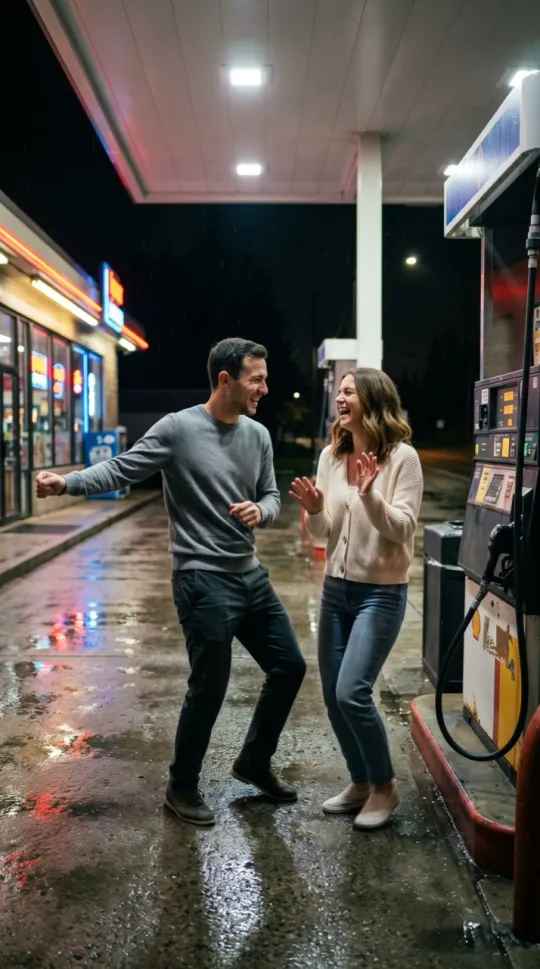 Gas Station DanceA retro dance by the pumps of a neon gas station at night.
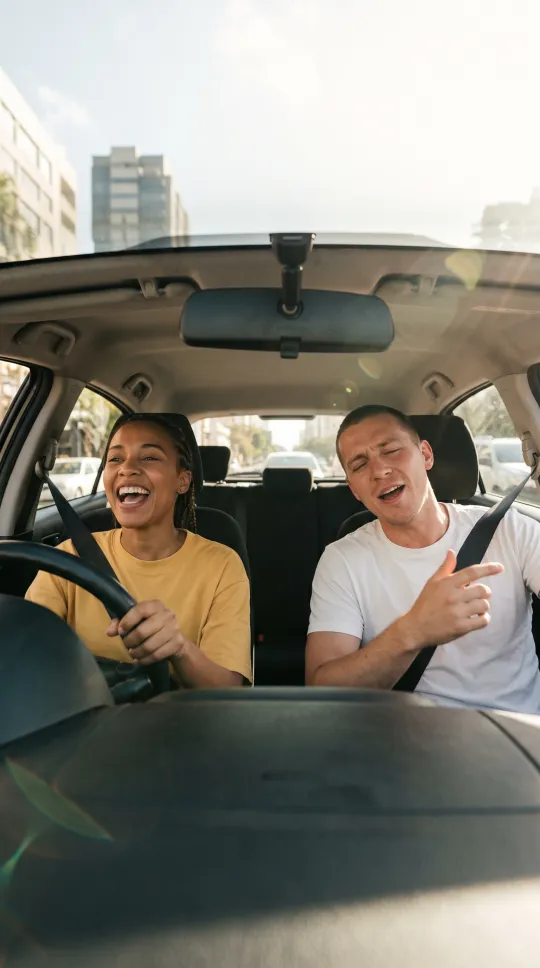 Car SingingBelting out a song in the car on a sunny drive.
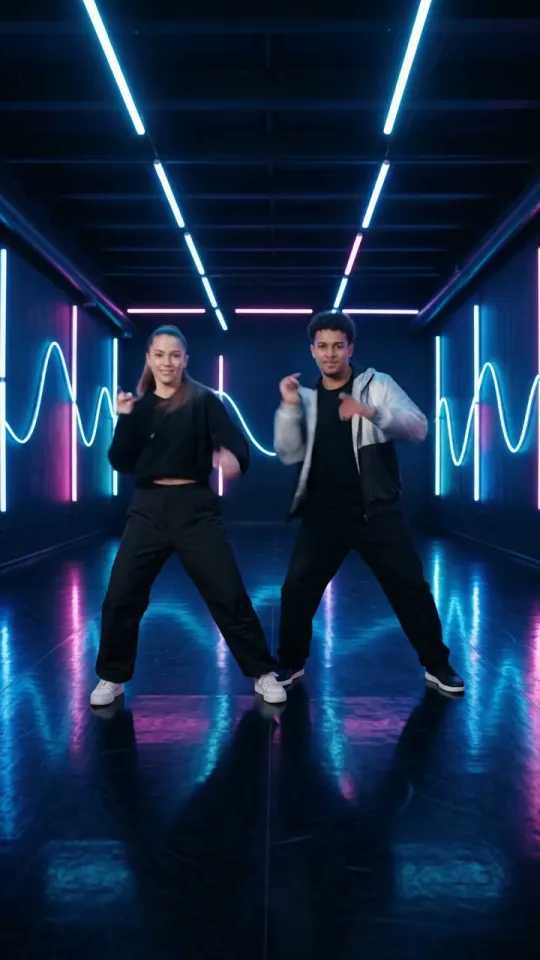 ▶ VideoNeon DanceA synced dance under glowing pink and blue neon.
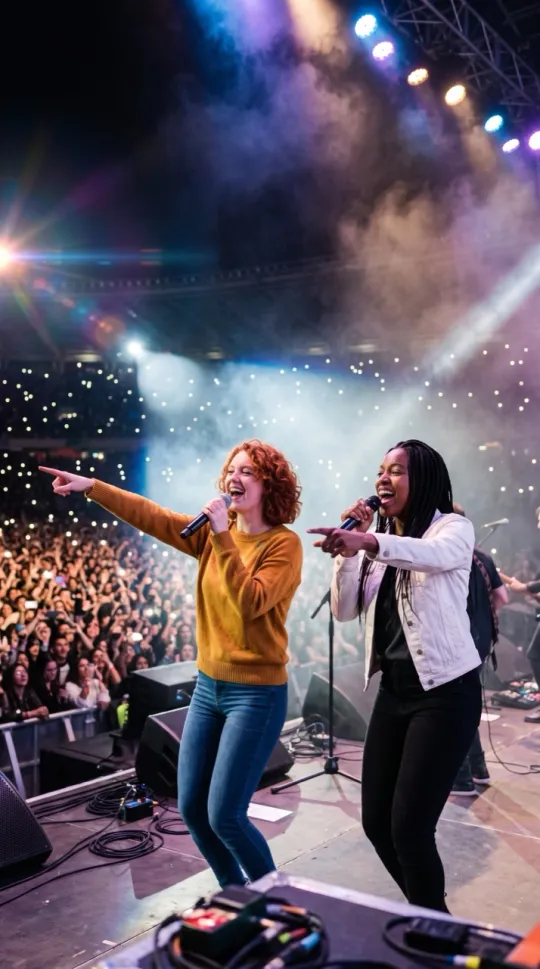 Live ConcertOwning a stadium stage in front of a cheering crowd.
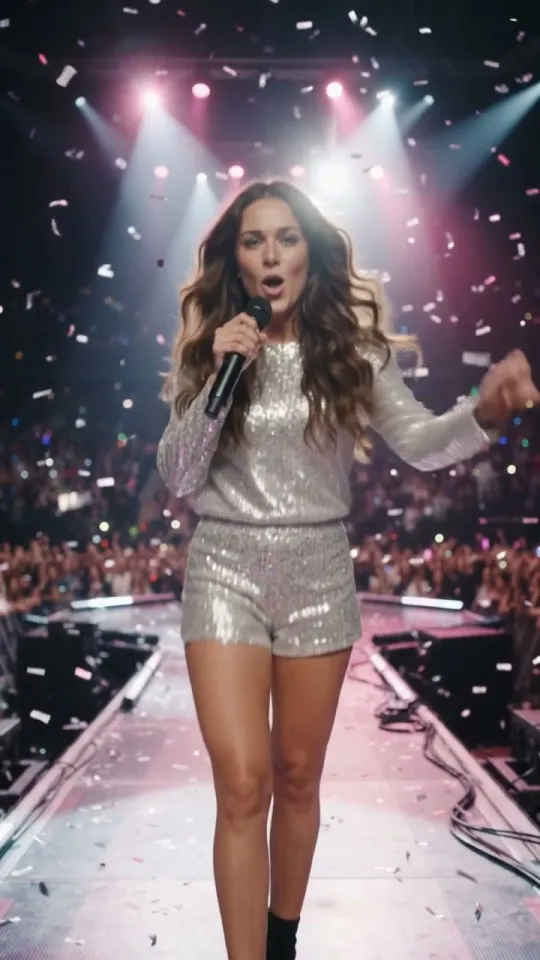 ▶ VideoPopstarHeadline your own stage: lights, choreography and an original pop track.
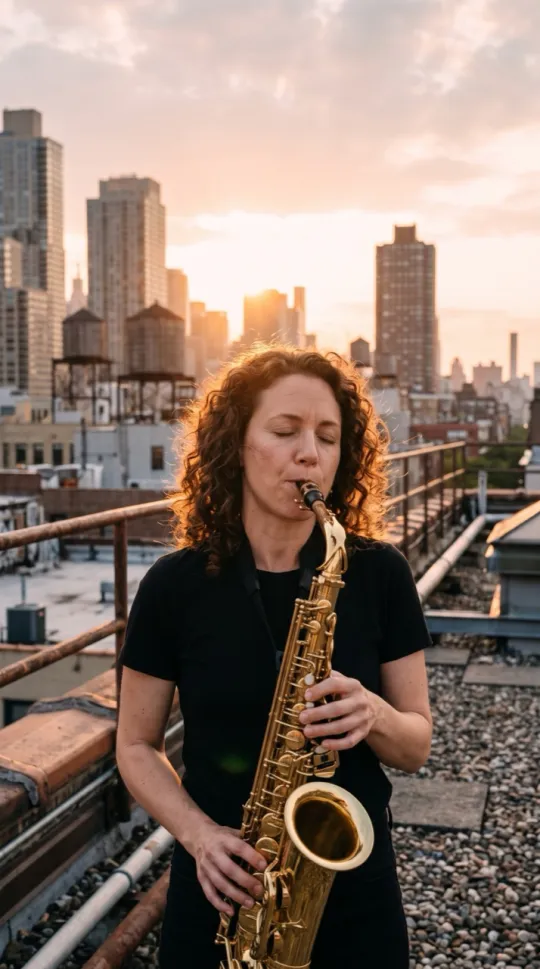 Saxophone SoloA smooth sax solo on a rooftop at sunset; a second person dances along.
Halloween & Holidays AI Video Effects
See all 7 Halloween & Holidays effects →- ▶ VideoZombie Love StoryA pale, gentle movie zombie meets open arms and a warm flashback. No blood, no weapons.
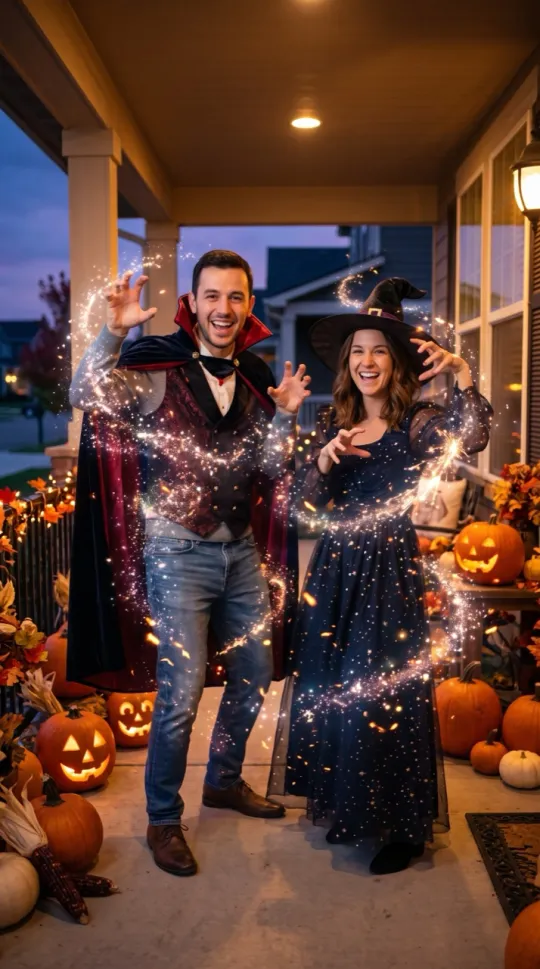 Halloween CostumeA sparkle turns your clothes into friendly costumes.
 Thanksgiving DinnerA cozy turkey dinner: a toast, a wishbone and a big laugh.
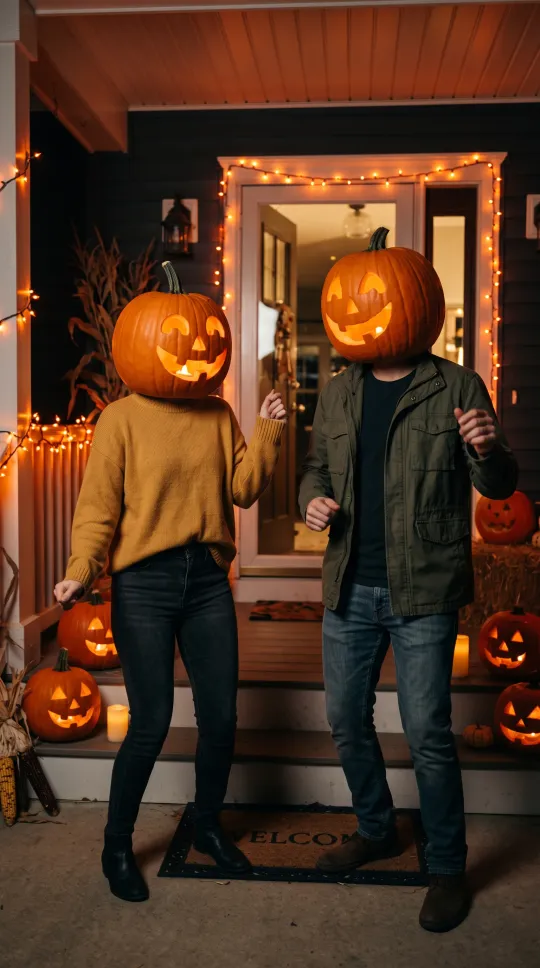 Pumpkin HeadA friendly glowing jack-o’-lantern head on a Halloween porch.
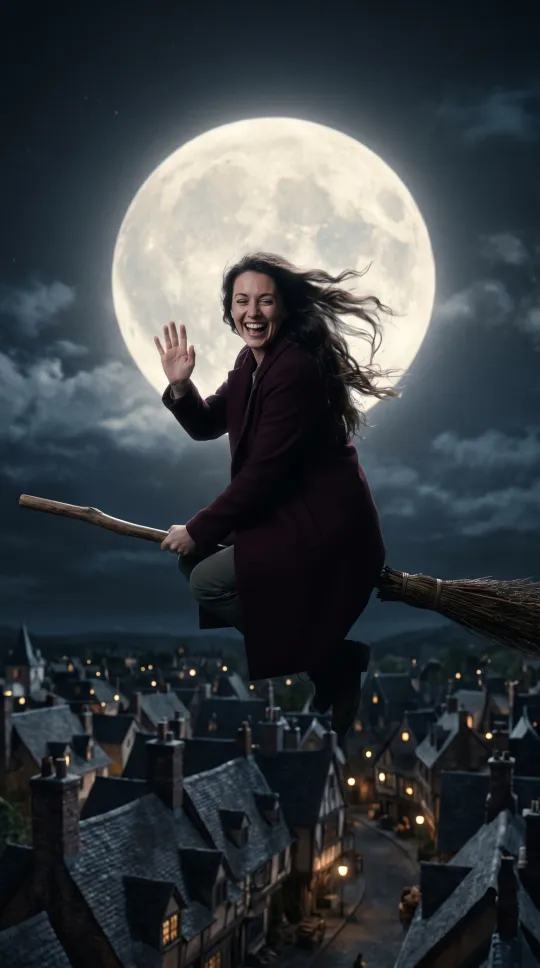 Flying BroomHop on a broomstick and fly over a moonlit town.
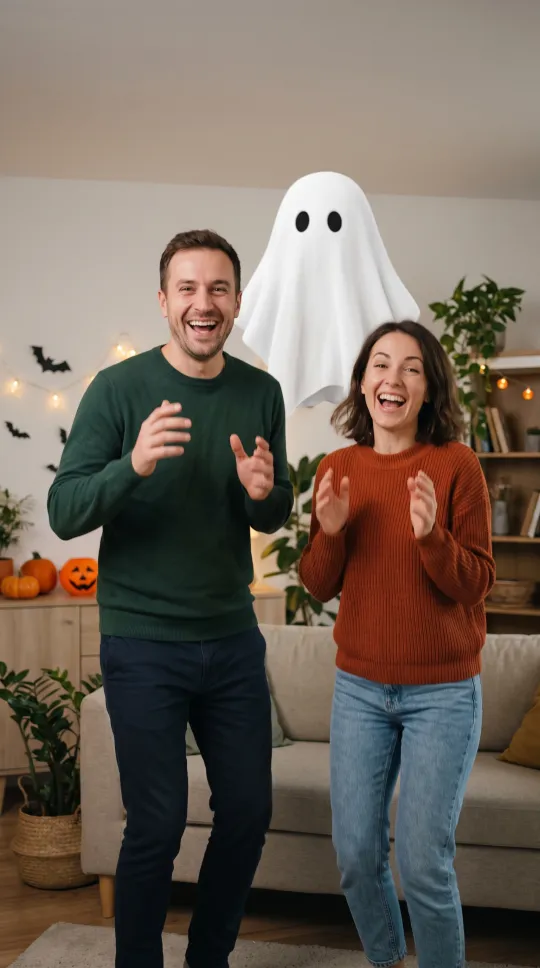 Ghost PrankA cartoonish sheet ghost sneaks up behind you, boo, then you both laugh.
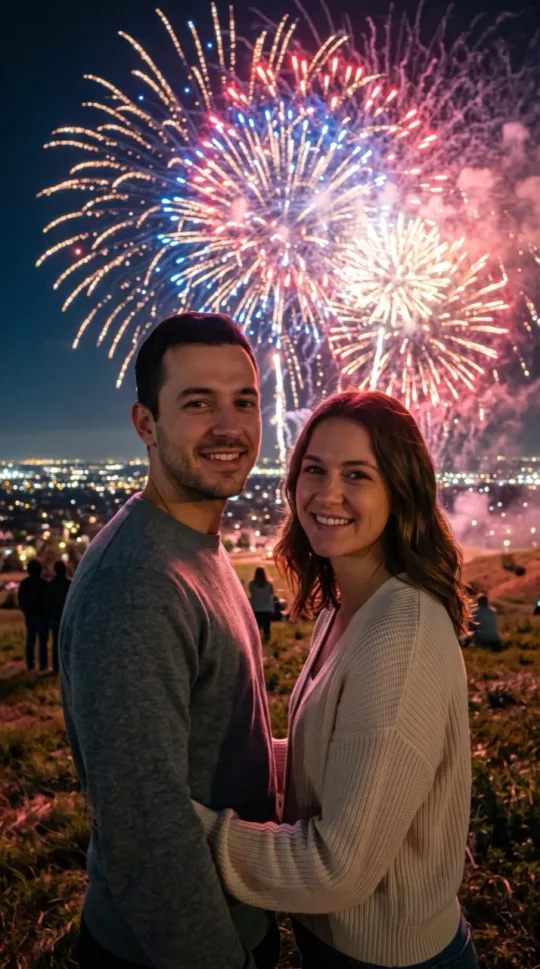 FireworksA huge fireworks show lighting up the night sky.
Pets AI Video Effects
See all 1 Pets effects →Transformation AI Video Effects
See all 8 Transformation effects →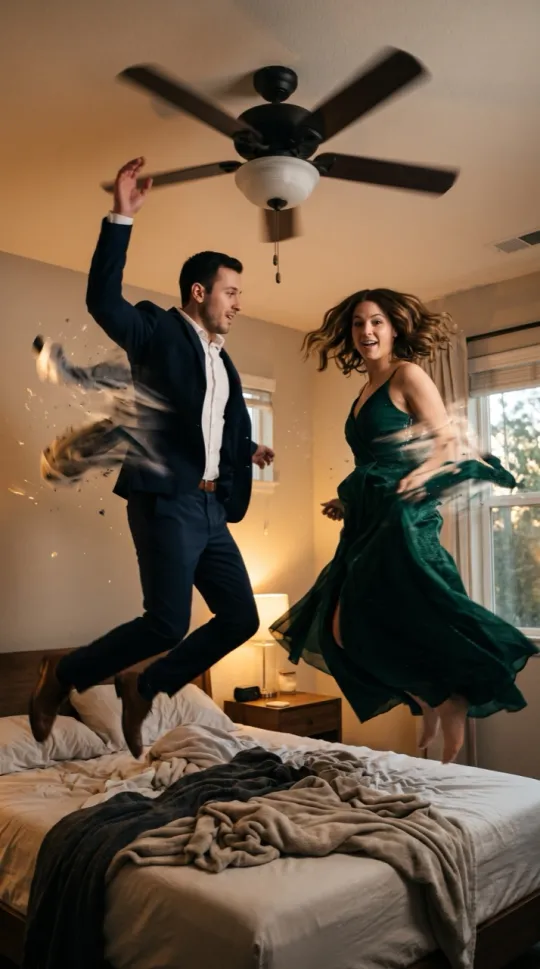 Ceiling Fan Outfit ChangeJump at the ceiling fan, land in evening wear.
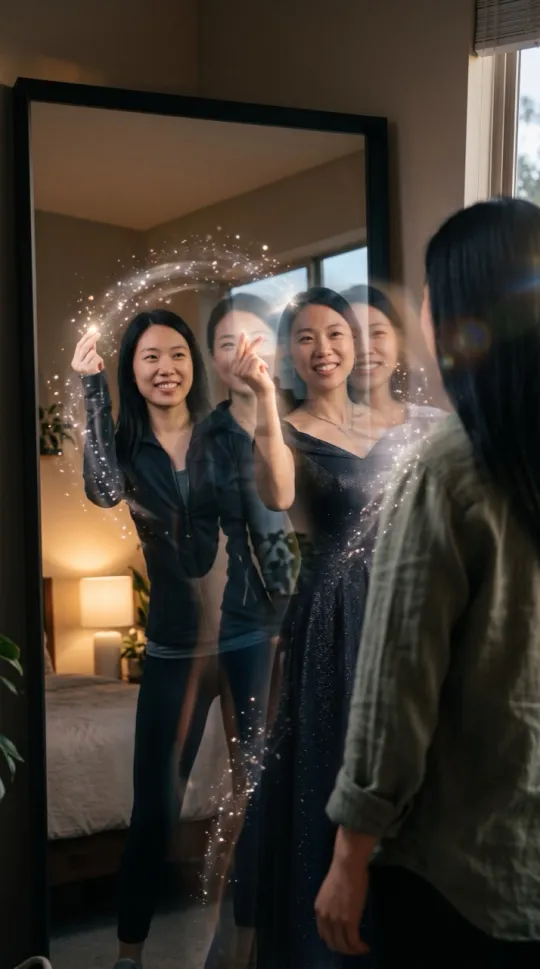 Outfit SwitchSnap your fingers: casual, sporty, formal.
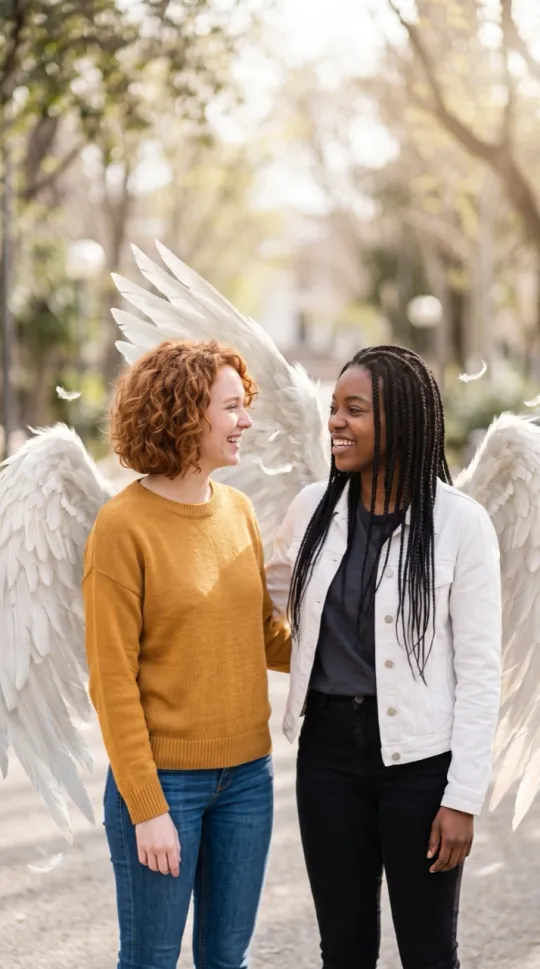 Angel WingsWhite wings unfold from your back in morning light.
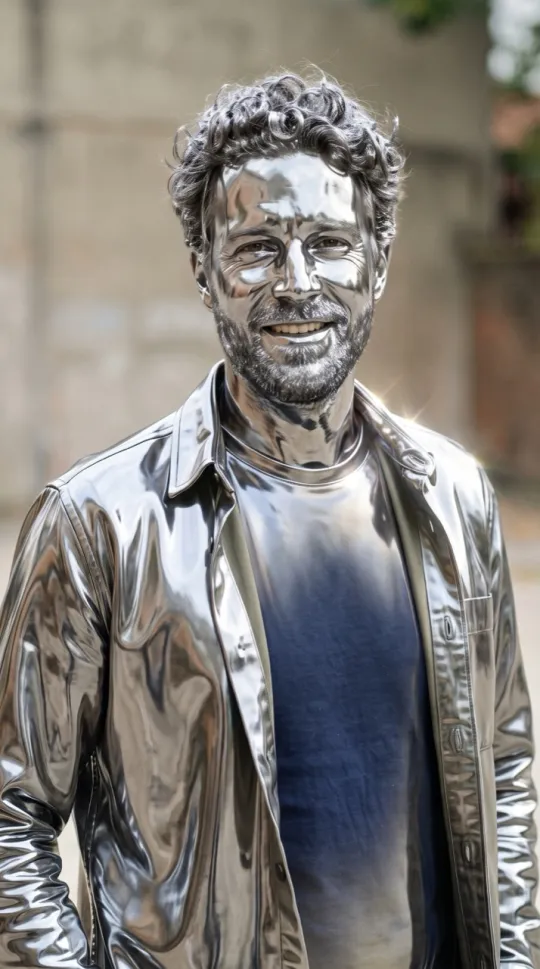 Turning MetalYou turn to shining chrome, then blink and smile.
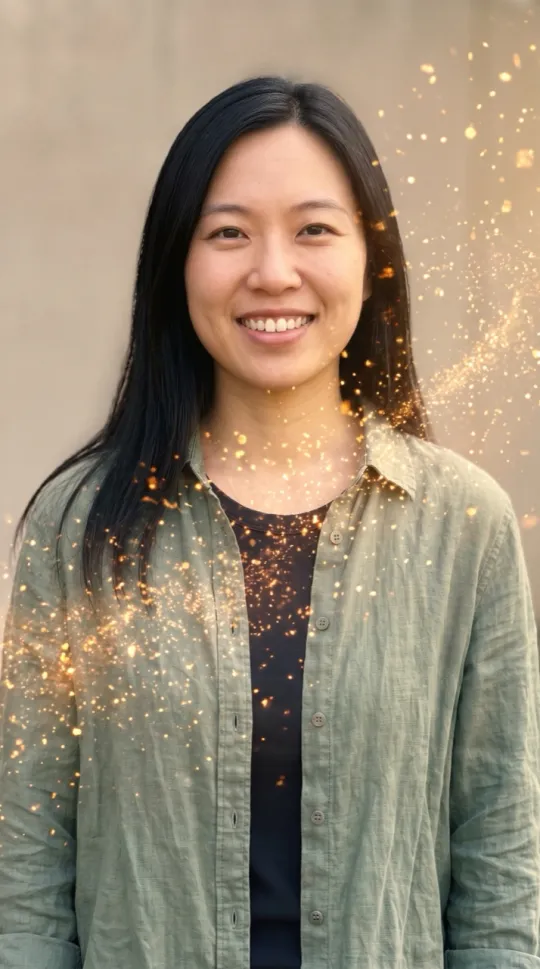 Golden DissolveYou dissolve into drifting golden sparkles. Calm, not scary.
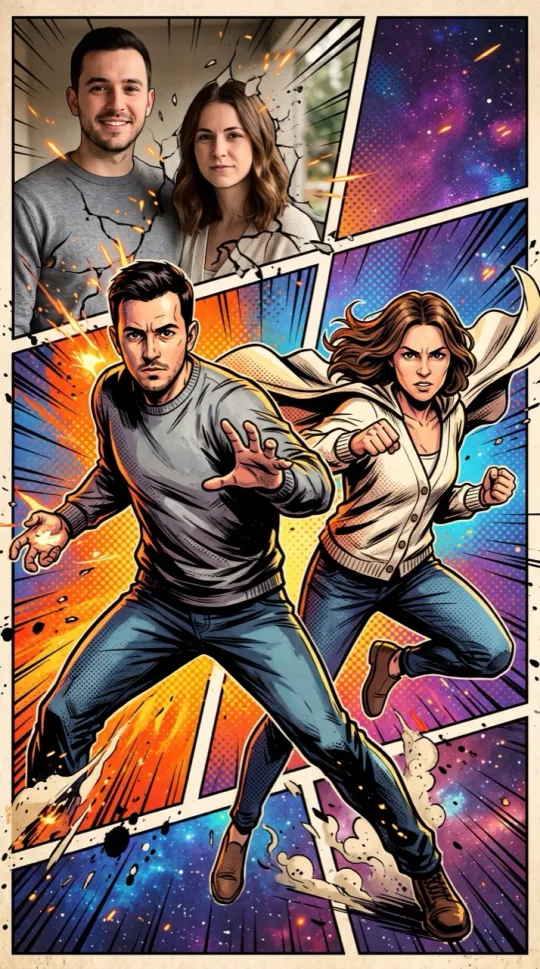 Comic BookBold comic-book art, heroic poses, no speech bubbles.
 Muscle FilterPop: suddenly huge cartoon muscles. Flex and laugh.
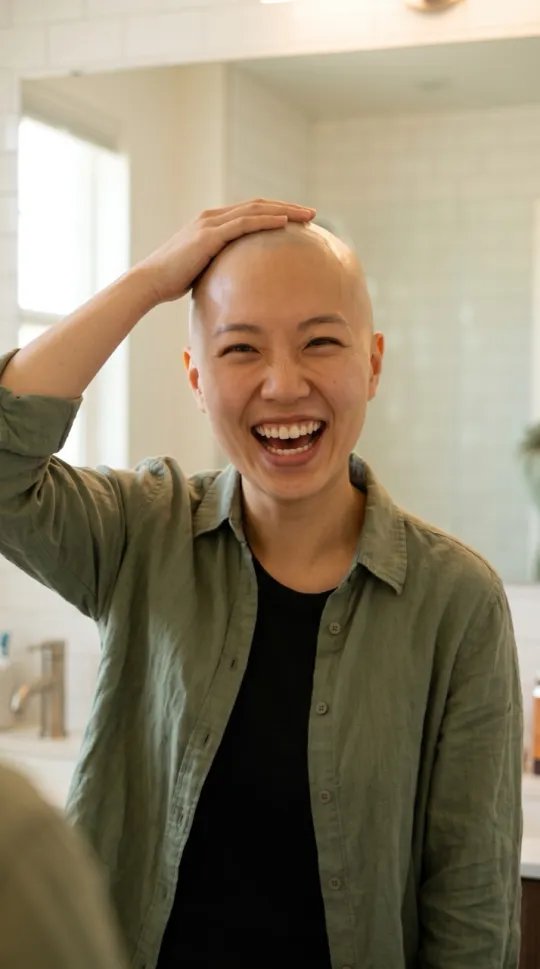 Bald FilterPop, sparkle: suddenly bald. Touch your head and laugh.
Fantasy & Action AI Video Effects
See all 13 Fantasy & Action effects →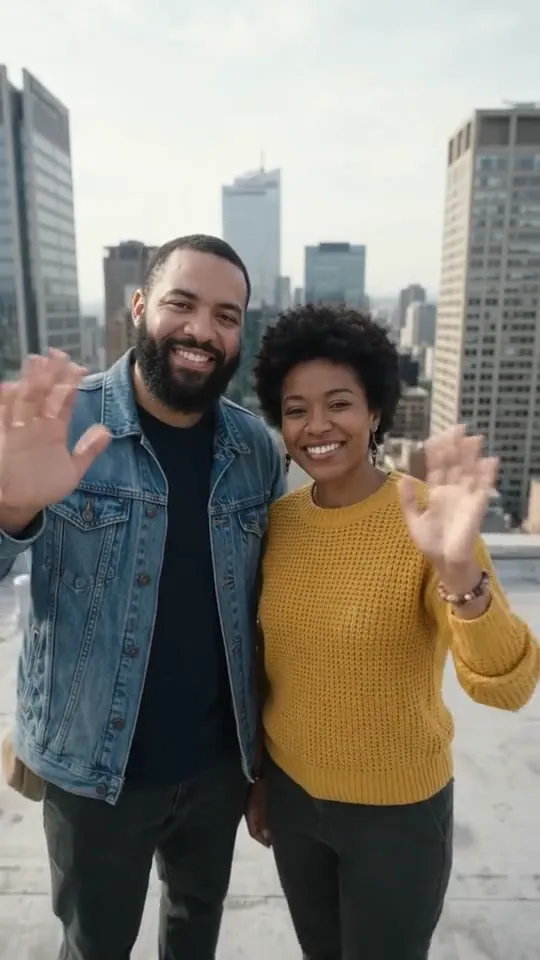 ▶ VideoEarth Zoom OutYou wave from a rooftop, then the camera pulls out to space.
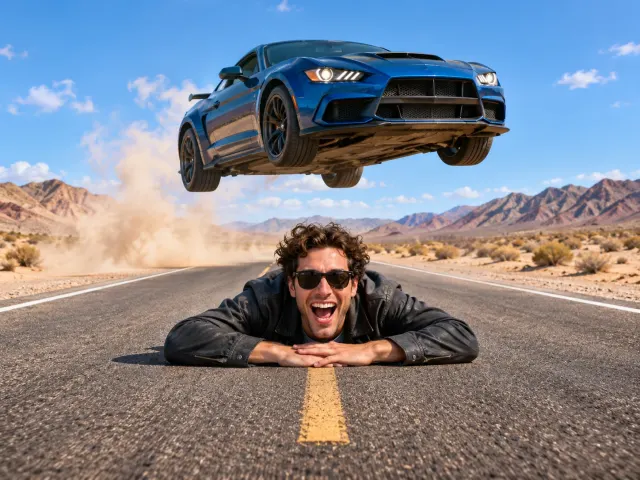
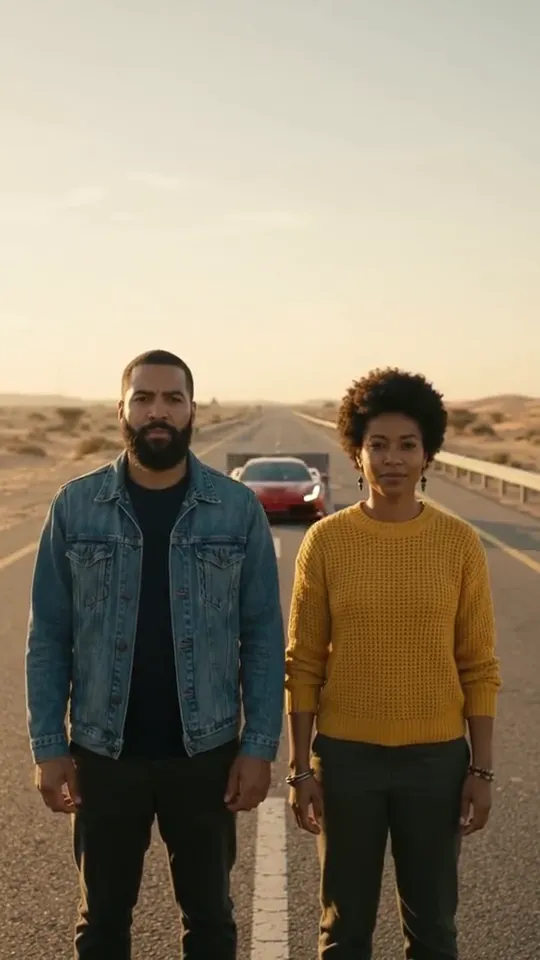 ▶ VideoCar JumpA sports car flies over you on a desert highway.
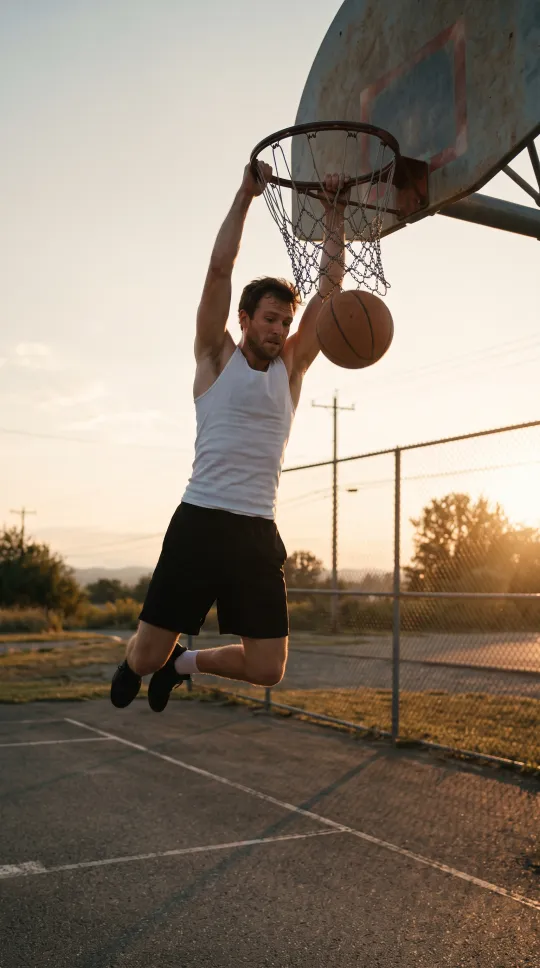 Basketball DunkA slow-motion slam dunk on an outdoor court.
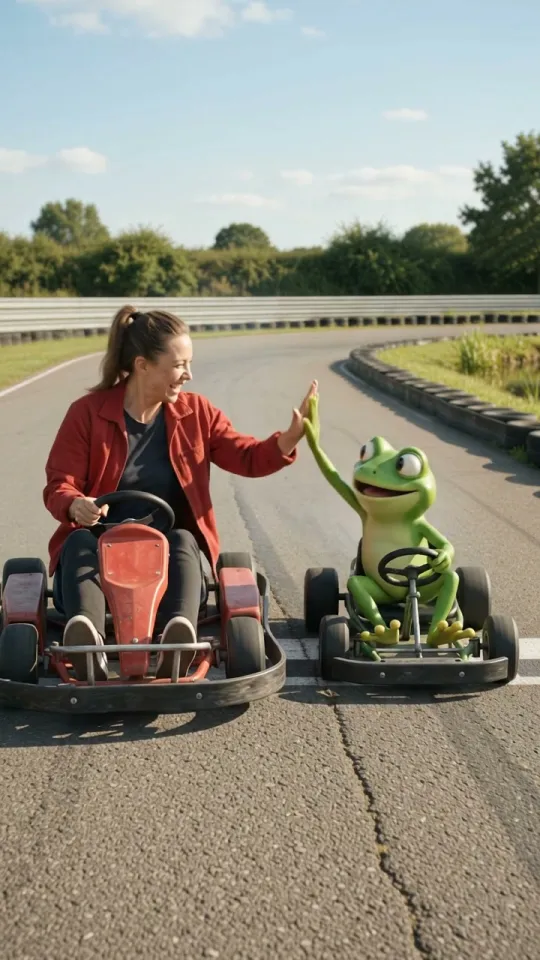 ▶ VideoFrog RaceA go-kart race against a cheeky cartoon frog.
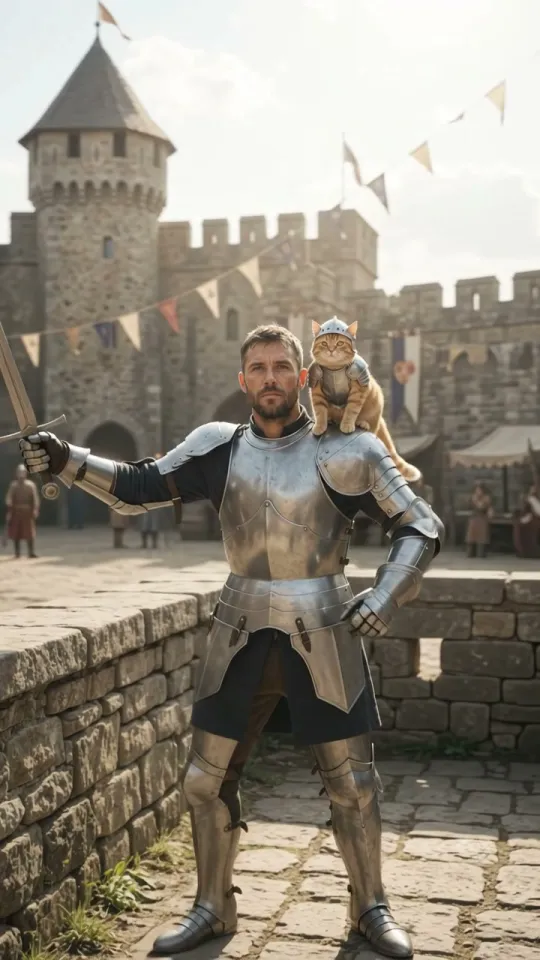 ▶ VideoKnight CatShining armor and a brave little cat knight at your side.
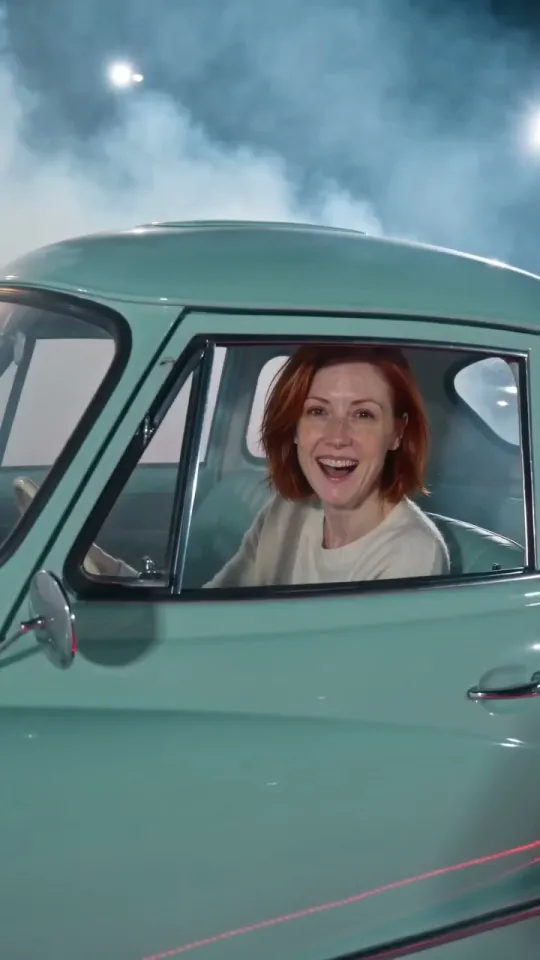 ▶ VideoFlying CarLoop a giant curved ramp upside down and land in a cloud of vapor.
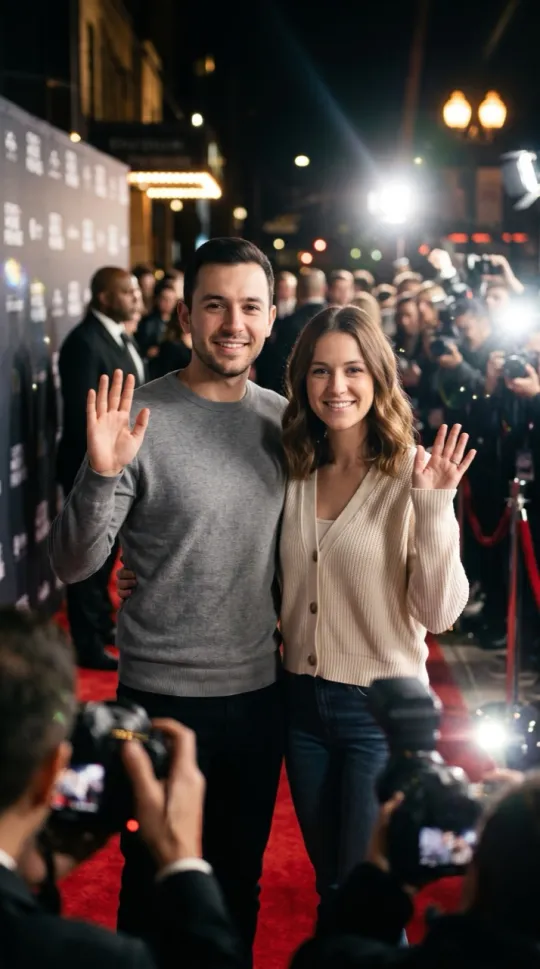 Red CarpetCamera flashes at a glamorous premiere.
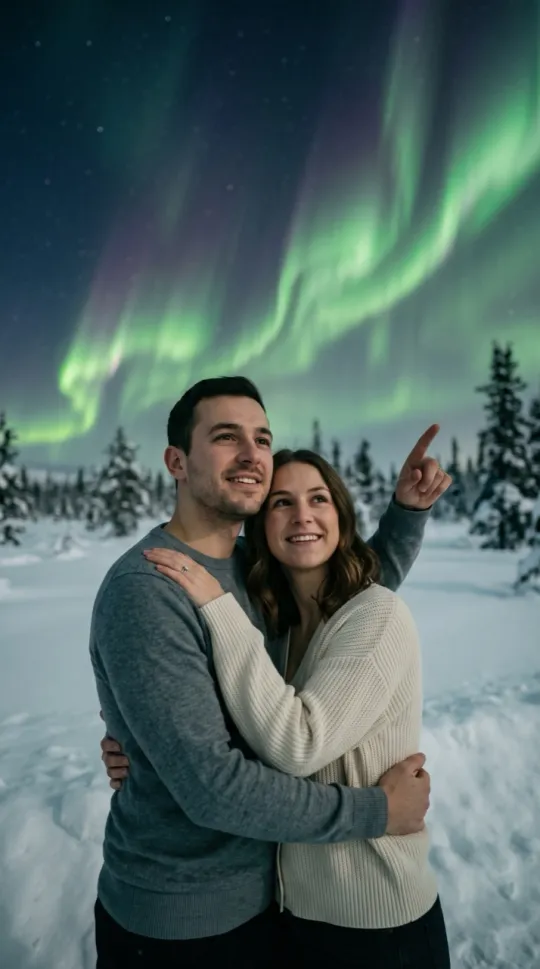 Northern LightsPointing up at dancing northern lights in the snow.
 Money RainPlain paper bills raining down in a city plaza.
 Pizza RainPizza slices falling from the sky. Catch one.
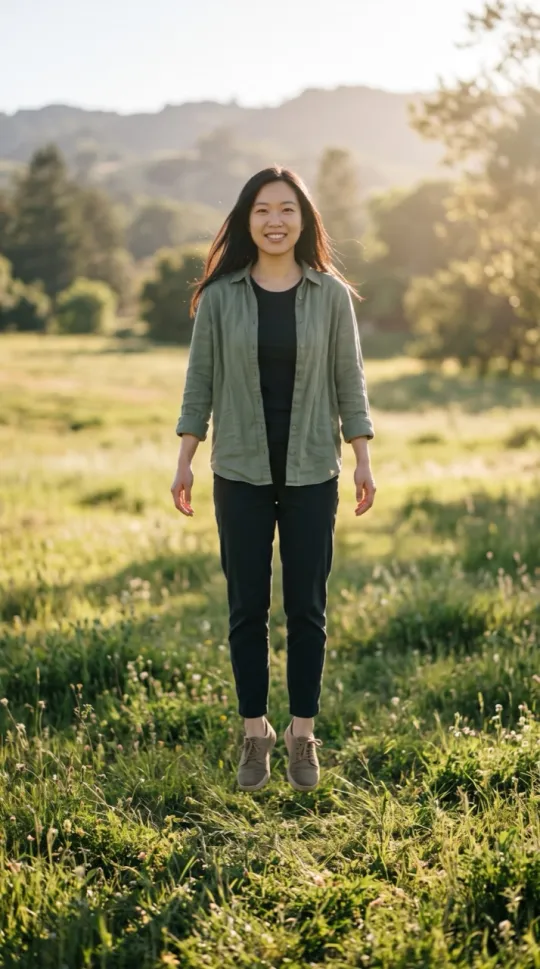 LevitationFloating up above a sunny meadow.
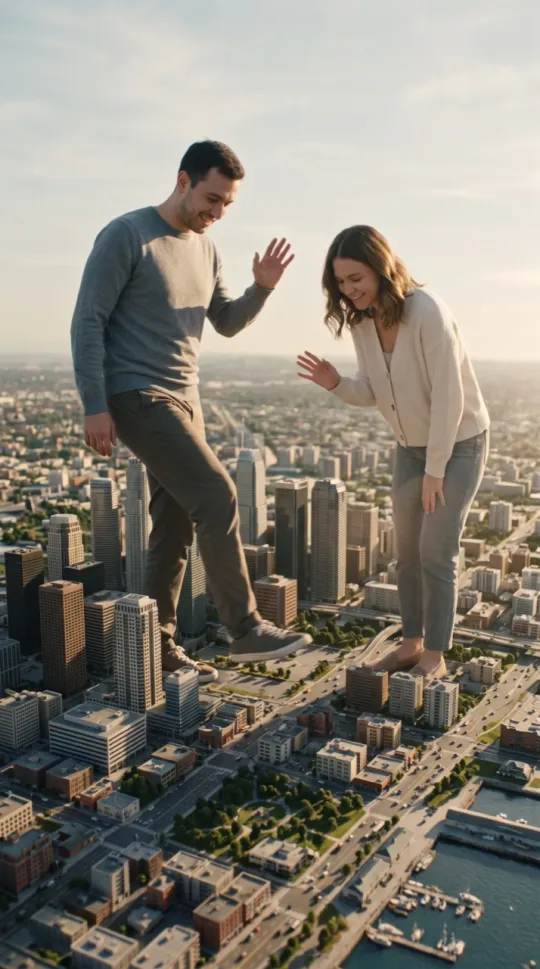 GiantsPlayful giants stepping through a tiny city.
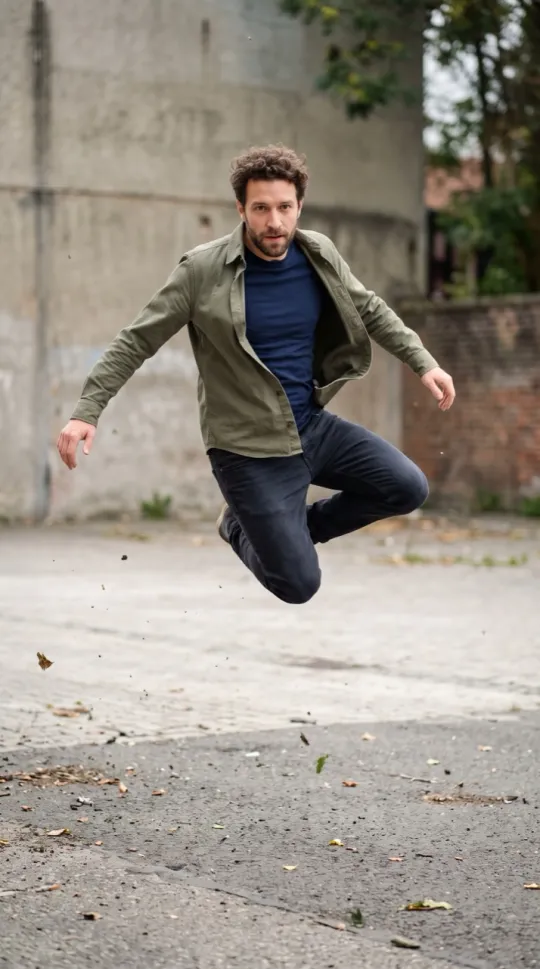 Bullet TimeA mid-air jump, time freezes, the camera circles.
Retro AI Video Effects
See all 4 Retro effects →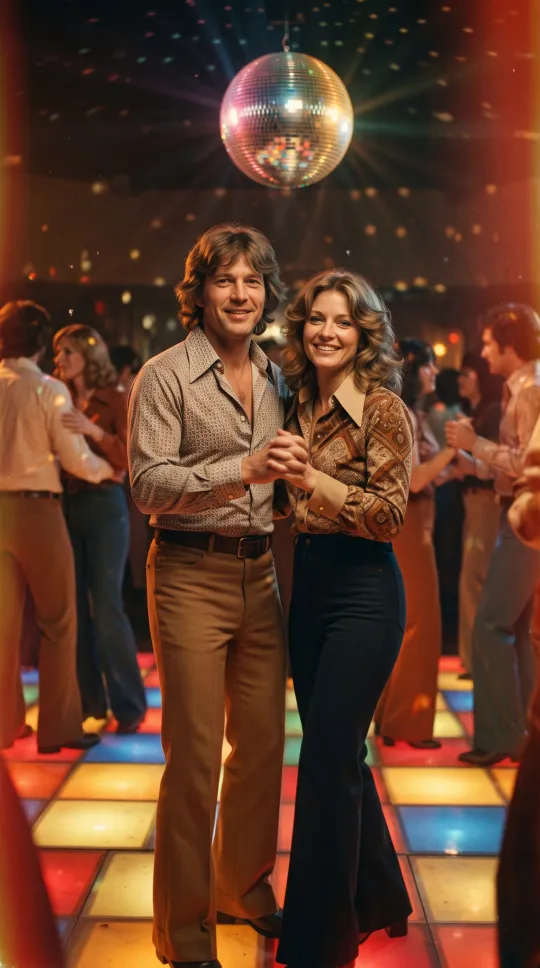
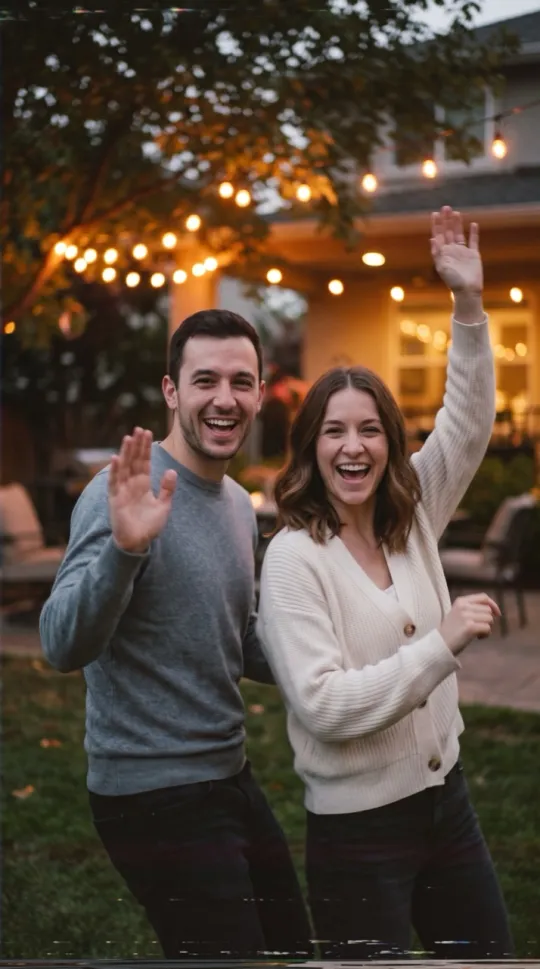
How to turn a photo into an AI video
- Choose an effect. Each one has a fixed prompt you can read on its page.
- Upload a clear photo: one adult, two adults, or one pet for pet effects.
- Press Create. The video uses 10 credits.
- Download the 720×1280 vertical MP4 (9:16) or share it.
Video length, format and price
| Detail | Value |
|---|---|
| Length | 12 seconds |
| Format | 720×1280 vertical MP4 (9:16) |
| Sound | Music and sound effects, no spoken dialogue (Car Singing has a sung vocal track) |
| Render time | about 3–6 minutes |
| Video model | Seedance 2.0 Fast (ByteDance) via KIE.ai |
| Price | 1 video $9.90 · 2 videos $17.90 · 3 videos $24.90 |
AI video effects FAQ
How does WakeStill work?
Pick an effect, upload a photo, and press Create. Each effect has a fixed prompt, so you add nothing but your photo. The video model turns it into a 12-second vertical video with music and sound.
How long does a video take?
About 3–6 minutes for most videos. Timing can vary with demand.
How much does it cost?
Every effect uses 10 credits per video. One video is $9.90, two are $17.90 and three are $24.90. Credits do not expire, and there is no subscription.
What photos work best?
A clear, well-lit, front-facing photo of an adult, or one pet on its own for pet effects. Use your own photos or get permission from everyone in them. No celebrities or minors.
Can I post the video on TikTok?
Yes. Download the MP4 and post it. Keep the AI-generated label when you share it.